
The internet is an incredible tool — but it’s also full of risks if you’re not paying attention. Whether you’re browsing on your PC or on Xbox, basic security habits make a huge difference.
Here are practical, realistic tips to help you stay safe online.
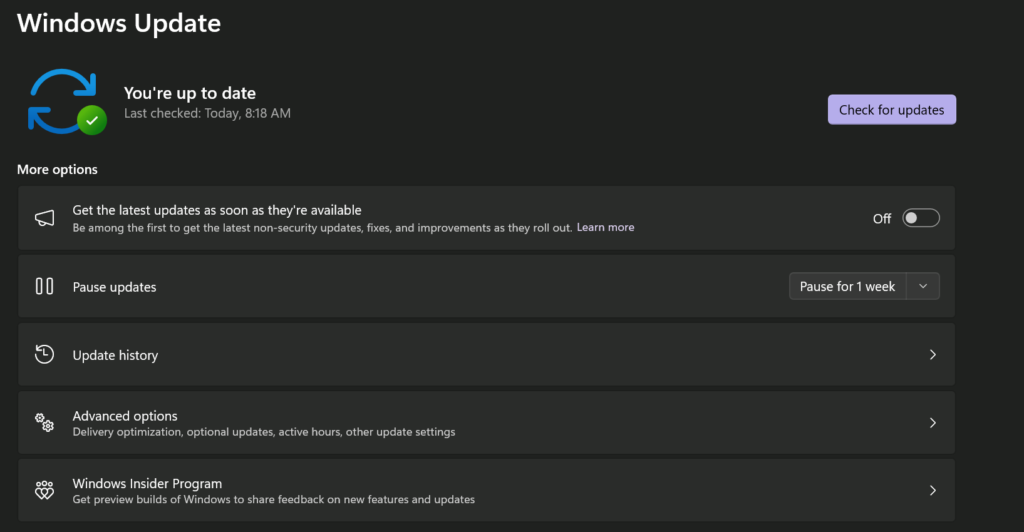
1. Keep Your Device Updated!!!!
This sounds boring, but it’s one of the most important things.
Operating system updates and browser updates often contain security fixes. Ignoring them means leaving known vulnerabilities open. Enable automatic updates whenever possible — on Windows and on your console.
2. Use Strong, Unique Passwords
Using the same password everywhere is risky. If one website gets hacked, attackers will try that same password on other services.
Use:
- Long passwords (at least 12–16 characters)
- A mix of letters, numbers, and symbols
- A password manager if possible
Even better: enable two-factor authentication (2FA) whenever it’s available.
3. Be Careful with Unknown Links
Phishing is still one of the most common attack methods.
Be skeptical if:
- An email creates urgency (“Act now!”)
- A message asks for login details
- A website looks slightly “off” (misspelled domain, strange layout)
Always check the URL carefully before entering any personal information.
4. Only Download from Trusted Sources
This is especially important on PC.
Avoid:
- Random download portals
- “Cracked” software
- Suspicious browser extensions
Stick to official stores and verified sources. If something feels questionable, it probably is.
5. Understand HTTPS (The Lock Icon)
When you visit a website, look for https:// and the lock icon in the address bar.
This means the connection between you and the website is encrypted. It does not guarantee the site is trustworthy — but it prevents others from reading your data in transit.
No HTTPS? Avoid entering passwords or payment information.
6. Use a Secure Network
Public Wi-Fi networks can be risky.
If you’re on public Wi-Fi:
- Avoid logging into sensitive accounts
- Avoid online banking
- Consider using a trusted VPN service
At home, make sure your router uses WPA2 or WPA3 encryption and a strong Wi-Fi password.
7. Think Before You Share
Oversharing personal information online makes you an easier target.
Be cautious with:
- Full birth dates
- Addresses
- Travel plans
- Personal documents
Once something is online, you often can’t fully take it back.
8. Keep Security Simple but Consistent
You don’t need to be paranoid. You just need consistent habits.
Safe browsing isn’t about extreme measures — it’s about:
- Updates
- Strong passwords
- Awareness
- Common sense
That alone protects you from the vast majority of threats.